Free ChatGPT Course: How to Get Professional and Accurate Answers
This course is built for practical usage. You will learn how to ask better, control output quality, and use ChatGPT as a real productivity engine.
Module 1 — Core Prompt Formula
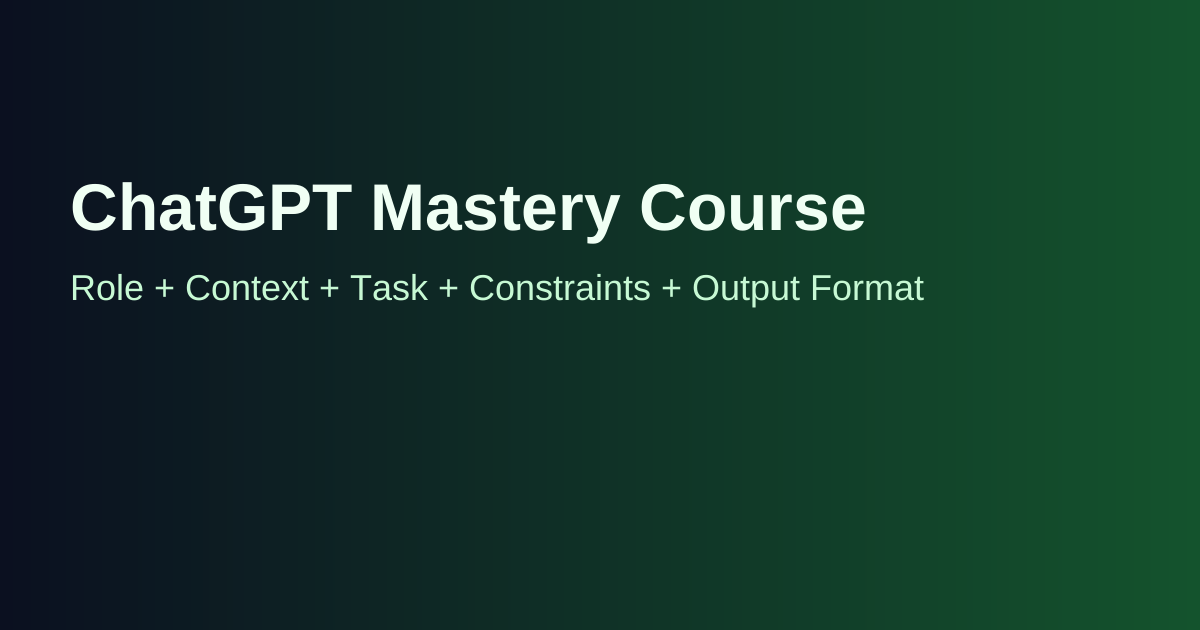
Use this 5-part structure in every serious prompt: Role + Context + Task + Constraints + Output Format. This alone can dramatically improve accuracy.
- Role: Tell ChatGPT who it should act as.
- Context: Provide background and objective.
- Task: Ask for one clear outcome.
- Constraints: Define language, length, tone, and boundaries.
- Output format: Ask for bullets, table, checklist, script, etc.
Module 2 — Professional Prompt Templates
Template 1 (Business):
Act as a senior marketing strategist. Context: I run [business type]. Task: create a 30-day content plan for [platform]. Constraints: budget low, audience beginners, tone practical. Output: weekly table with content goal and CTA.
Template 2 (Writing):
Act as an editor. Context: this is my draft [paste text]. Task: rewrite for clarity and persuasion. Constraints: keep meaning, reduce fluff, keep it under 500 words. Output: revised version + top 5 improvements made.
Template 3 (Learning):
Act as a tutor. Context: I want to learn [topic]. Task: build a 14-day plan. Constraints: 1 hour/day, beginner level. Output: day-by-day checklist with practice tasks.
Module 3 — Accuracy System
To increase precision, do these steps:
- Ask for assumptions first.
- Request a draft, then ask for critique.
- Ask for alternatives and edge cases.
- Request sources or logic explanation where relevant.
- Run a final QA prompt before using output.
Module 4 — Multi-Step Workflow
Instead of one massive prompt, use sequence prompts:
- Step 1: Define objective + audience
- Step 2: Generate outline options
- Step 3: Expand best option
- Step 4: Improve quality and clarity
- Step 5: Convert to final format
Module 5 — Common Mistakes
- Vague prompts with no context
- Asking too many tasks at once
- No constraints on tone/length
- Blind copy-paste without editing
- Ignoring fact-check for sensitive topics
Module 6 — Practical Use Cases
For content creators: scripts, hooks, titles, post repurposing.
For freelancers: proposals, service packages, client messaging.
For students: summaries, study plans, concept simplification.
For businesses: SOP drafts, support responses, idea validation.
Module 7 — 7-Day Practice Plan
- Day 1: master prompt formula
- Day 2: rewrite 3 prompts using constraints
- Day 3: produce one article outline + draft
- Day 4: generate and refine a service offer
- Day 5: build a mini workflow chain
- Day 6: run quality checks
- Day 7: publish one real output and review performance
Final Pro Prompt (Copy & Use)
Act as a [ROLE]. Context: [BACKGROUND + GOAL]. Task: [SPECIFIC OUTCOME]. Constraints: [TONE, LENGTH, AUDIENCE, LIMITS]. Output format: [EXACT STRUCTURE]. Before final answer, list assumptions and ask up to 3 clarification questions if needed.